Overview
Managing paper receipts is tedious and error prone. Fortunately, modern receipt scanner apps use OCR and AI to turn paper and email receipts into searchable, tax-ready records, complete with cloud backups and integrations for accounting software. Digital copies are acceptable for audits as they meet IRS and CRA requirements for electronic storage, legibility, and retrievability.
Here are the top receipt scanning apps for 2025–2026, selected for their accuracy, compliance, and ease of use.
Quick Tip: Pick an app you’ll use consistently. Look for:
- AI-powered OCR for accurate data extraction
- Accounting integrations (QuickBooks, Xero)
- Secure cloud storage
- Multi-currency support if you work internationally
Foreceipt — Best for Tax Compliance and Simple Receipt Tracking
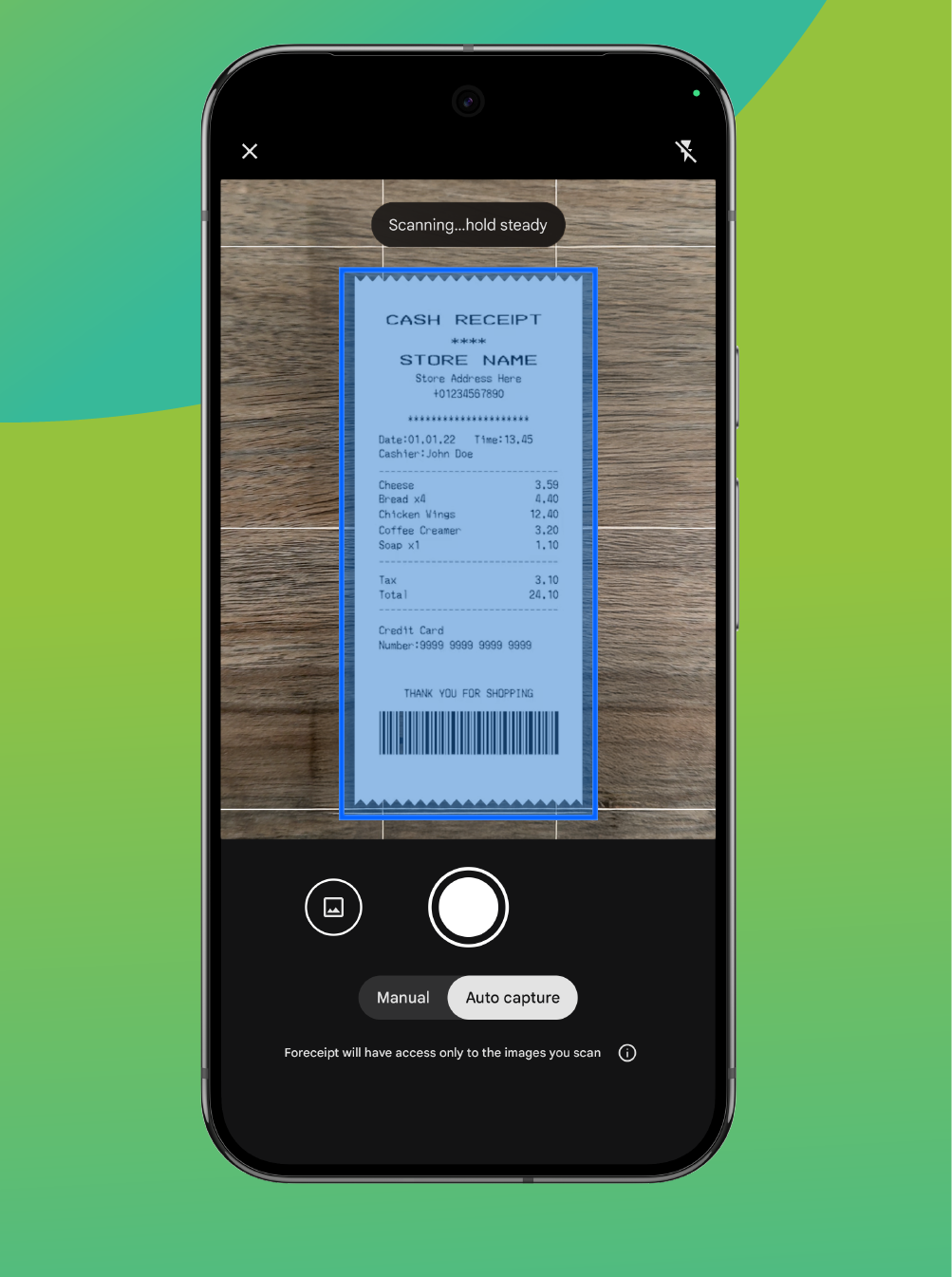
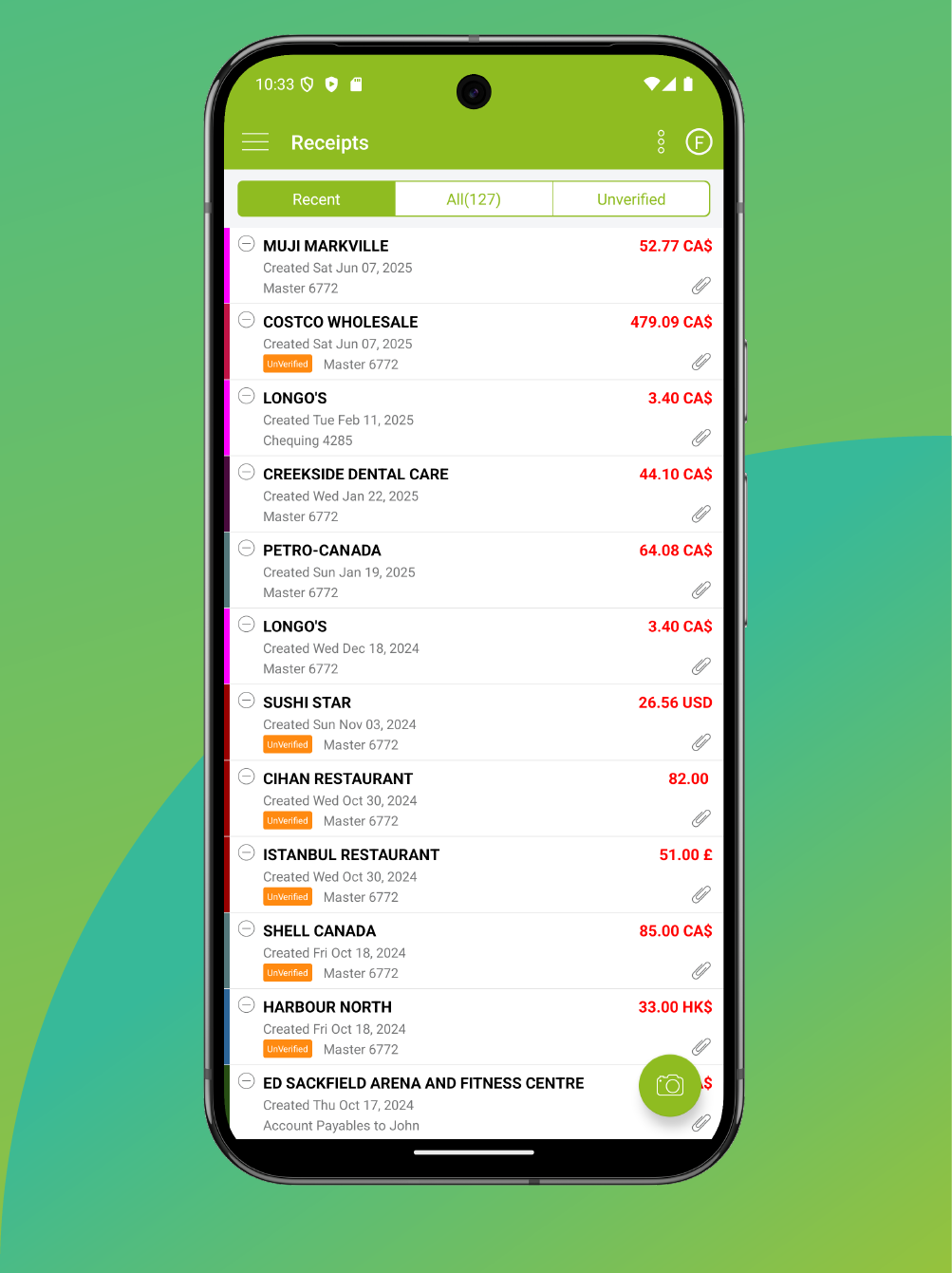
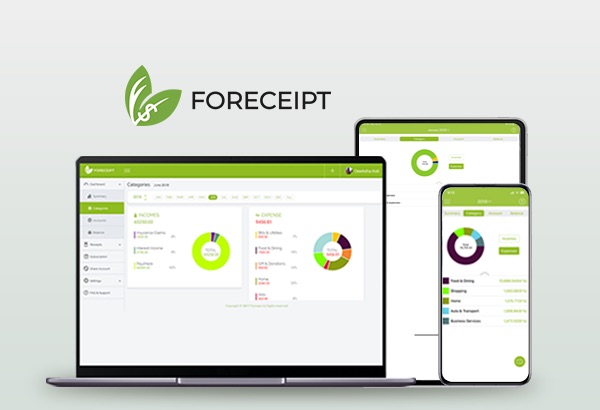
Foreceipt uses AI-powered OCR to scan receipts and automatically categorize expenses according to IRS and CRA standards, making year-end reporting easier for U.S. and Canadian users. The mobile and web apps stay in sync, and the Business plan adds QuickBooks integration for streamlined bookkeeping. For more information regarding the app, you can view our overview videos (Foreceipt Web Feature or Foreceipt App Feature)
Pricing: Free (100 receipts, 12‑month retention), Individual ($5/mo, 200 receipts/month), and Business ($12/month for 2 members, unlimited), additional member $6/month.
Pros:
- Receipt scanning precision: Features high-accuracy OCR and auto-categorization that specifically aligns with US and Canadian tax standards.
- Seamless Synchronization: The mobile and web apps stay in constant sync , allowing you to manage and back up expenses from any device.
- Versatile Data Capture: Supports email receipt capture and bank statement uploads , ensuring a comprehensive audit trail. View how Foreceipt captures data here.
- Exceptional Value: Provides a highly affordable and predictable pricing model compared to other enterprise tools
Cons:
- Free Tier Limitations: The free version is restricted to 100 receipts and lacks permanent storage , deleting data after 12 months.
- Gated Integrations: Specialized features, such as QuickBooks integration for streamlined bookkeeping, are reserved exclusively for the Business plan.
Expensify — Best for Teams and Approval Workflows
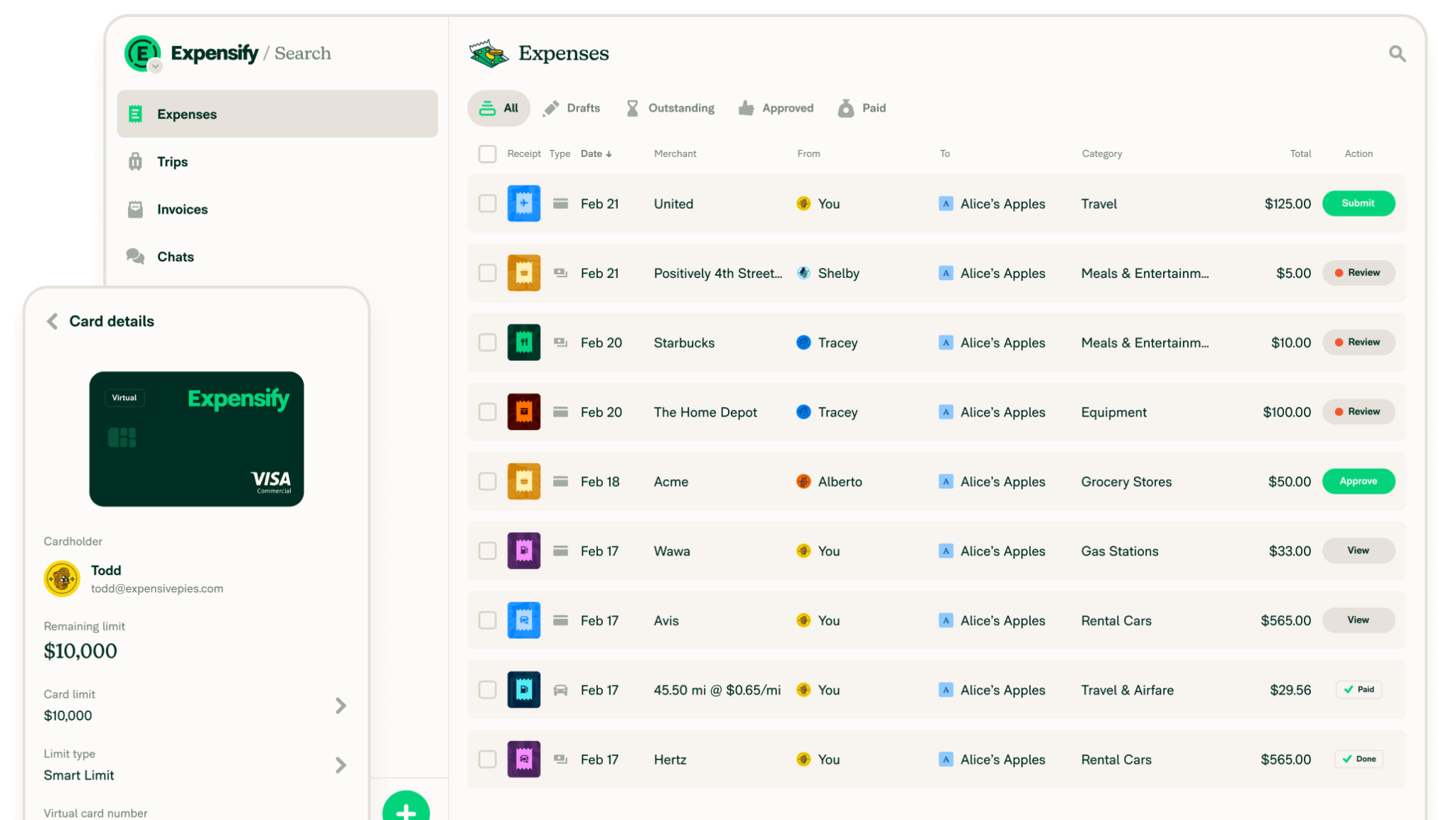
Photo credit: Expensify
Expensify’s SmartScan Expensify’s SmartScan feature converts receipt photos into expense entries and routes them through customizable approval workflows. It integrates seamlessly with QuickBooks and Xero, supports corporate cards, and offers travel expense management.
Pricing: Collect plan starts at $5 per member/month; Control plan is custom, typically around $9 per active member/month
Pros:
- Designed for Teams: Offers a user-friendly setup specifically tailored for team-wide management and reimbursements.
- Advanced Control Systems: Includes robust approvals and corporate card policy enforcement.
- Strong Ecosystem: Maintains high-quality integrations with major accounting platforms like QuickBooks and Xero
Cons:
- Hidden Costs and Lack of Transparency: While the personal tier offers unlimited SmartScans, essential business features like expense categorization require a paid plan , which can be misleading for new users.
- Scalability Issues: Because of the per-member pricing model , the total cost can become prohibitively expensive for larger teams compared to flat-rate alternatives.
- Persistent Upsells: Users frequently encounter prompts to adopt the Expensify Card and other internal services.
- Restricted Free Tier: There is no fully unlimited free version for business use; functionality is highly limited for personal accounts only
QuickBooks Online – Accounting + Receipts in One
QuickBooks’ mobile app captures receipts, auto‑extracts vendor, date, amount, and payment method, and matches to existing expenses or creates a new one. Receipts attach to your accounting records, and expenses are sorted for tax categories.
Pricing: In Canada, plans often start around $30/month.
Pros:
- Seamless Integration: As a full accounting suite, it eliminates the need for manual data transfers between different software platforms.
- Automated Efficiency: The app features automatic extraction and matching along with reliable tax category sorting.
Cons:
- Subscription Dependent: Use of the receipt scanning features requires a continuous and relatively expensive active QuickBooks subscription.
- Complexity: The platform often presents a steep learning curve for new users who may find the interface overwhelming.
- Performance Variability: Mobile app performance and data processing speeds can vary significantly depending on the volume of data being managed
Shoeboxed — Mail‑In “Magic Envelope” + App (IRS/CRA‑Accepted Images)
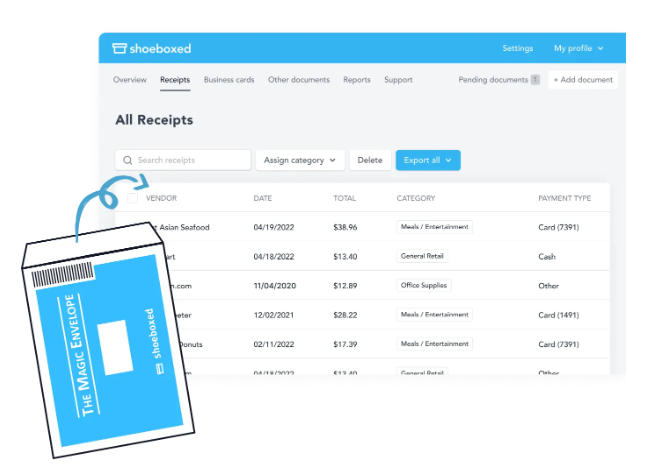
Photo credit: Shoeboxed
Shoeboxed lets you digitize receipts by scanning them in the app or mailing paper receipts in prepaid Magic Envelopes for human-verified OCR.
Pricing: Its plans—Startup ($23/month), Professional ($47/month), and Business ($71/month)—include annual scan allowances and monthly mail-in limits. Shoeboxed states its digital images meet IRS and CRA standards when proper guidelines are followed.
Pros:
- Bulk Management: Provides a highly convenient mail-in option for users who need to clear significant backlogs of physical receipts.
- High Accuracy: Utilizes human-verified OCR to ensure maximum precision during the digitization process.
- Audit Readiness: Offers secure digital storage that meets strict IRS and CRA recordkeeping requirements.
Cons:
- Higher Price Point: Costs significantly more than modern app-only solutions
- Significant Processing Delays: Turnaround times for the mail-in service can create delays in updating your real-time financial tracking.
- Restricted Allowances: Lower-priced third-party feature limited monthly envelope counts and annual scan caps.
Wave — Free Accounting with Optional Receipts Add‑On
Wave provides free core accounting and invoicing, making it ideal for freelancers and small businesses. It also offers mobile receipt capture as an add-on.
Pricing: In Canada, the Receipts add-on costs CA$11/month (or CA$96/year), while the Pro plan at CA$25/month includes receipt scanning plus automation features. In the U.S., the Receipts add-on is $8/month.
Pros:
- Zero-Cost Entry: Users can access professional accounting and invoicing tools for free, which is ideal for businesses just starting out.
- Affordable Integration: The receipt scanning add-on provides a simple, low-cost path to digitizing expenses within your existing ledger.
- AI Insights: The platform provides AI cash flow insights and generates tax-ready reports to simplify financial management.
- User-Friendly Capture: The mobile app is designed for quick and simple receipt capture on the go.
Cons:
- Limited automation in the free tier: Users on the basic plan will find fewer automated workflows compared to dedicated expense apps.
- No built-in approval workflows for teams: Wave is primarily designed for solo users or very small businesses and lacks team-based spend management tools.
- Higher cost for specialized scanning: The receipt scanning add-on (CA$11/month or approximately $8 USD) is notably more expensive than dedicated receipt scanning app
- Ecosystem vs. Specialization trade-off: Because Wave is an all-in-one accounting ecosystem, its broad functionality may lack the specialized precision which focuses exclusively on high-accuracy AI OCR and tax-aligned categorization specifically for IRS and CRA standards.
FAQs
OCR vs. Human-Verified Scanning: Which is better?
Deciding between AI OCR and human-verified scanning requires balancing your need for speed against the volume of your physical backlog.
- Human-Verified (Shoeboxed): This method is ideal for those who have large boxes of old receipts and prefer a “hands-off” approach to digitizing bulk archives. The trade-off is a higher monthly cost and a slower processing cycle.
- AI-Powered OCR (Foreceipt): This is a great choice for daily expense management. It provides immediate categorization aligned with IRS and CRA standards and allows you to capture receipts the moment you receive them, preventing the loss of data from faded thermal paper.
For the vast majority of freelancers and small businesses, the instant accuracy and lower price point of AI OCR make it the most defensible and efficient choice for 2026 tax preparation.
Are Digital Receipts Accepted by the IRS and CRA?
Yes.
- IRS: Electronic storage (including scanned images) is permitted if systems meet Revenue Procedure 97-22 requirements and receipts are legible and retrievable. See IRS Publication 583 (Rev. Dec. 2024).
- CRA: Accepts records in paper, imaged (electronic), or native electronic formats when imaging and retention standards are followed.
How long should I retain receipts?
Canada: Keep tax records for at least six years after the end of the last tax year they relate to.
U.S.: Here are the requirements:
- Keep records for 3 years if situations (4), (5), and (6) below do not apply to you.
- Keep records for 3 years from the date you filed your original return or 2 years from the date you paid the tax, whichever is later, if you file a claim for credit or refund after you file your return.
- Keep records for 7 years if you file a claim for a loss from worthless securities or bad debt deduction.
- Keep records for 6 years if you do not report income that you should report, and it is more than 25% of the gross income shown on your return.
- Keep records indefinitely if you do not file a return.
- Keep records indefinitely if you file a fraudulent return.
- Keep employment tax records for at least 4 years after the date that the tax becomes due or is paid, whichever is later.
Can I shred paper after scanning?
If your imaging meets CRA standards, imaged documents can replace paper; keep backups and ensure legibility. For the IRS, ensure electronic storage meets Revenue Procedure 97-22. When in doubt, retain originals for high‑value assets.
What are best practices for receipt scanning
- Capture receipts immediately—don’t wait until month‑end.
- Ensure scans are legible and itemized; avoid faded thermal prints by scanning early.
- Tag expenses to tax categories (meals, travel, supplies) for faster filing.
- Back up receipts to a secure cloud; maintain an audit trail.
- Use multi‑currency and sales tax tracking if you operate in Canada (GST/HST).
- For more tips, please check out Top 7 Tax Tips for Small Business Owners and Freelancers (U.S. & Canada) – Foreceipt
For more FAQs, visit our knowledge base for helpful app information and receipt‑management tips.
Final Thoughts
The right receipt scanning app removes manual entry, reduces audit stress, and maximizes deductions. Trial at least two apps, and choose the one that fits your workflow and compliance requirements in your jurisdiction.
At a Glance: Top Receipt Scanner Apps (2025-2026)
|
App |
Category |
Best for |
Starting price |
Receipt volume fit |
|---|---|---|---|---|
|
Foreceipt |
Receipt capture + expense management |
Individuals + small teams who want receipt tracking without full accounting |
$5/mo total (Individual) includes 2 team members + 200 receipts/mo; $12/mo Business unlimited receipts/mo (includes 2 members) |
Best value at 100–200+ receipts/mo; Business wins for heavy usage |
|
Expensify |
Expense management (team-first) |
Teams needing approvals/reimbursements/workflows |
$5 per member/mo (Collect) |
Good if your pain is approvals/workflows, not “cheap receipt capture” |
|
QuickBooks Online |
Comprehensive accounting and bookkeeping |
Businesses already committed to QuickBooks ecosystem |
Promo-driven “discount off list price” (varies by plan/offer) |
Best when you truly need accounting, not just receipts |
|
Shoeboxed |
Receipt digitizing service |
People who want a “receipt inbox” + digitization |
$9/mo (Starter) |
Good for light/moderate scanning; gets pricey as volume rises |
|
Wave |
Accounting/invoicing with receipt capture |
Very small businesses that want invoicing/bookkeeping |
Free (basic); paid plans vary/promos |
Fine if you want accounting + receipts, not receipt optimization |